

Droid Spots
Ad positions managed in the administration: own images, Google AdSense units and network code, rotation, validity dates and consent – safe by default.
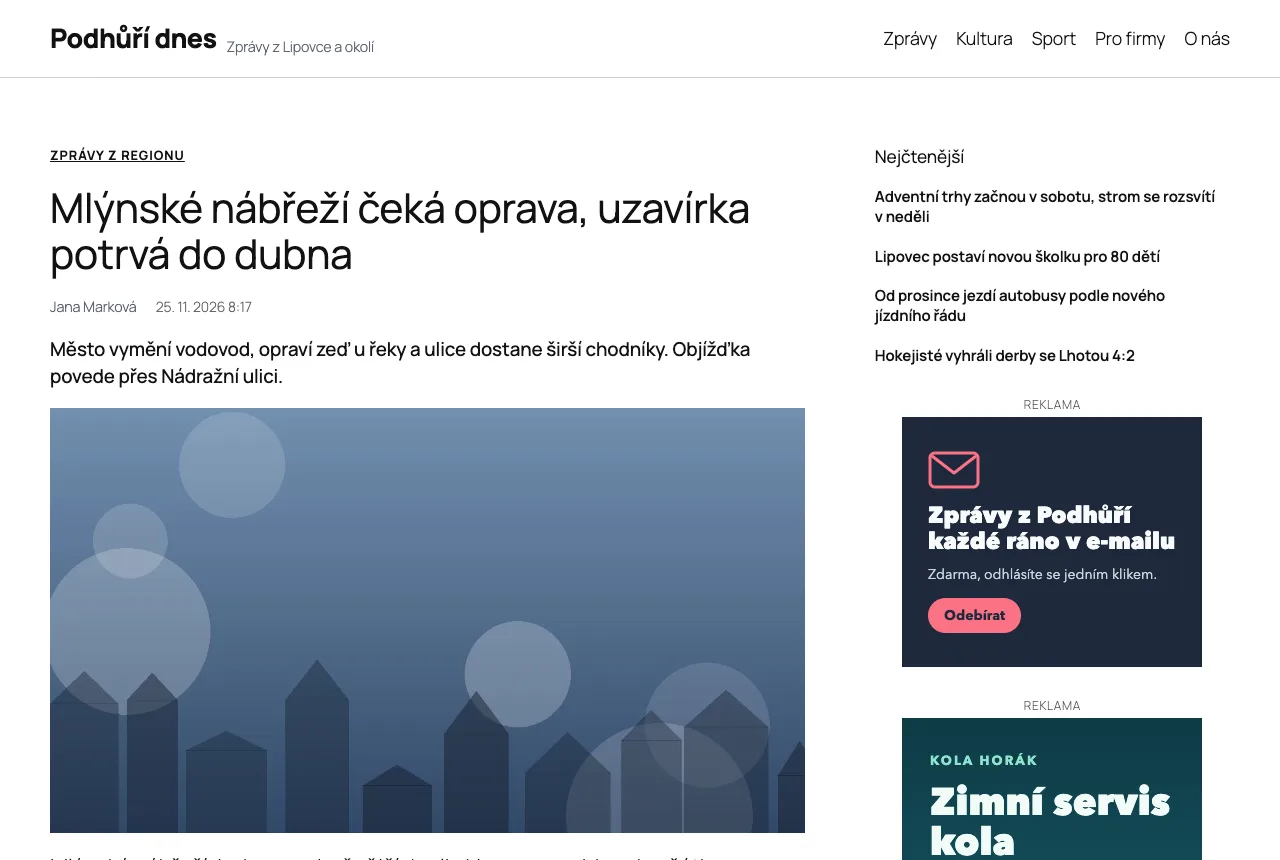
Place a position on the web once, then change what it shows in the administration, without touching the theme.
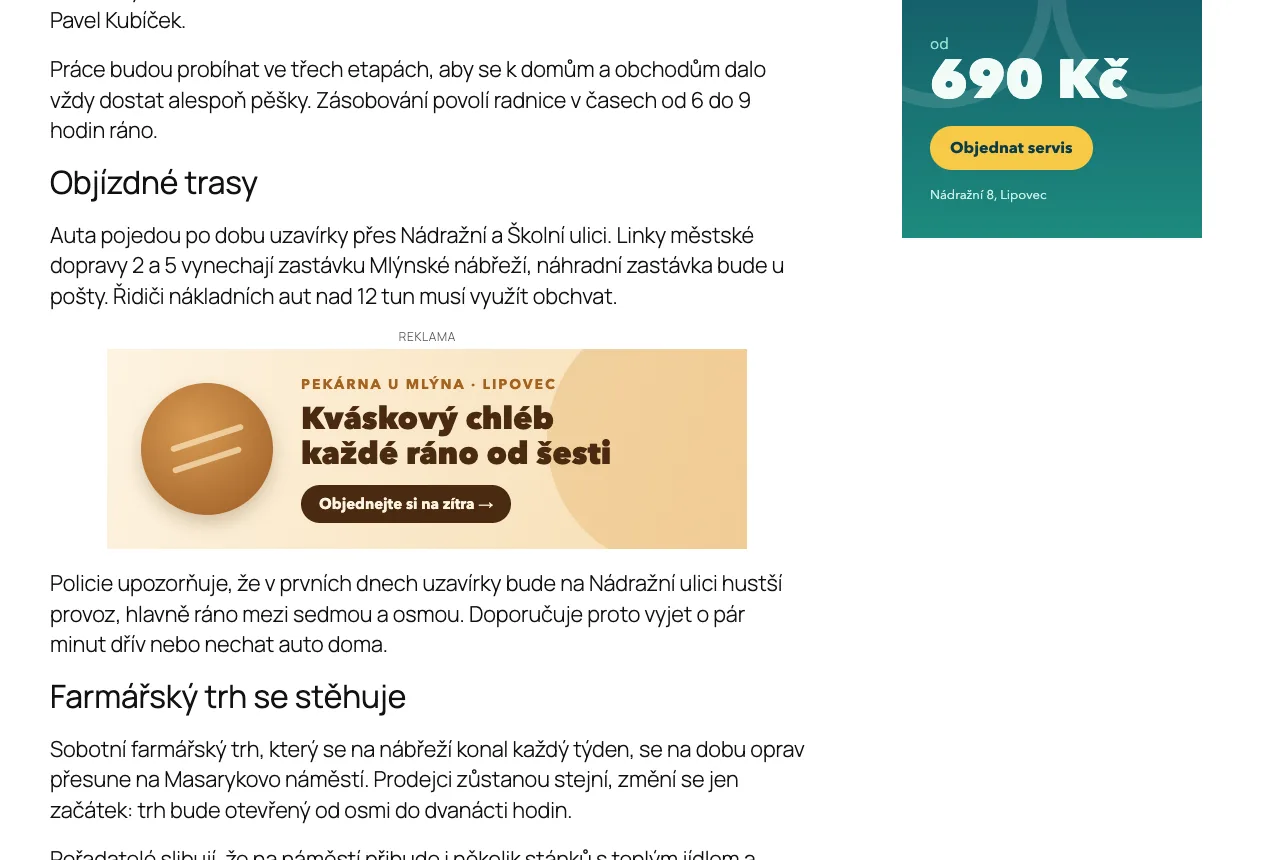
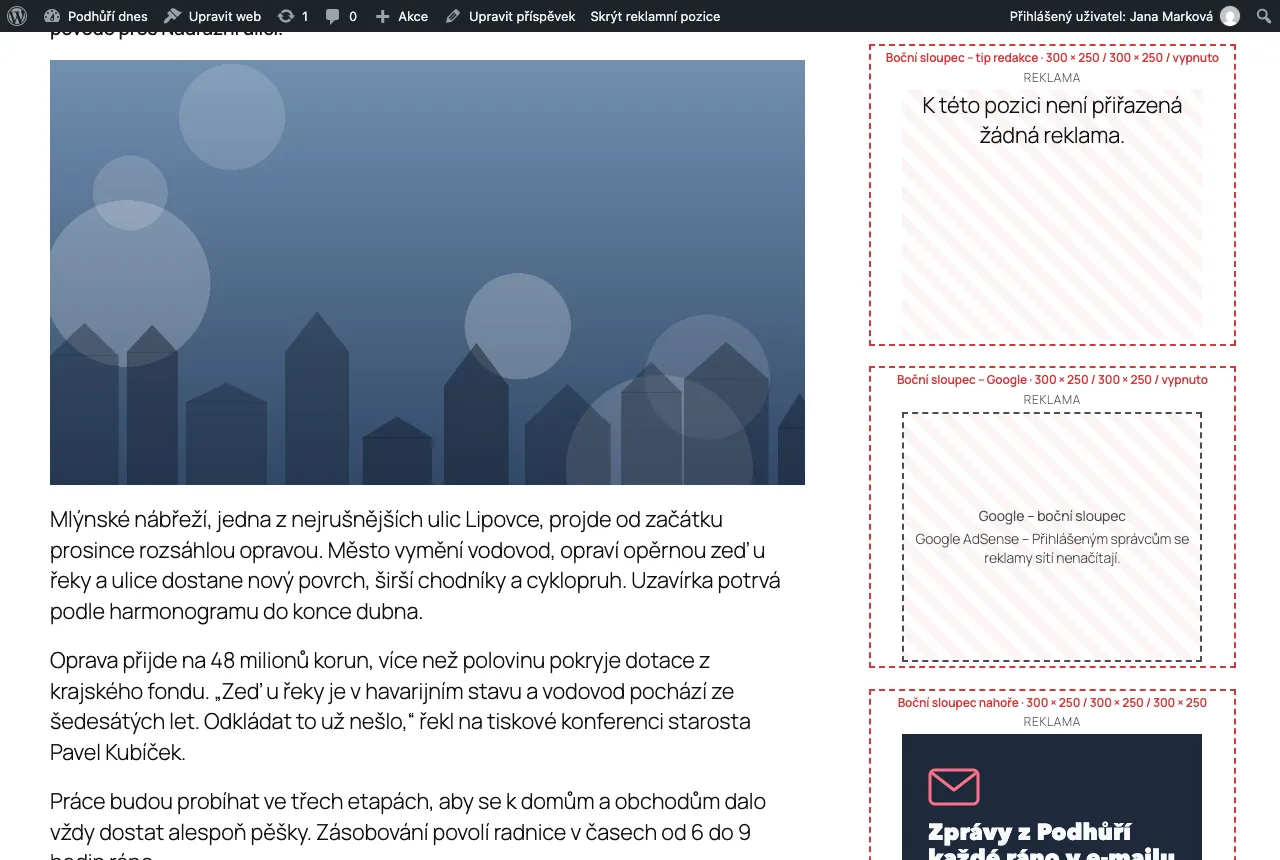
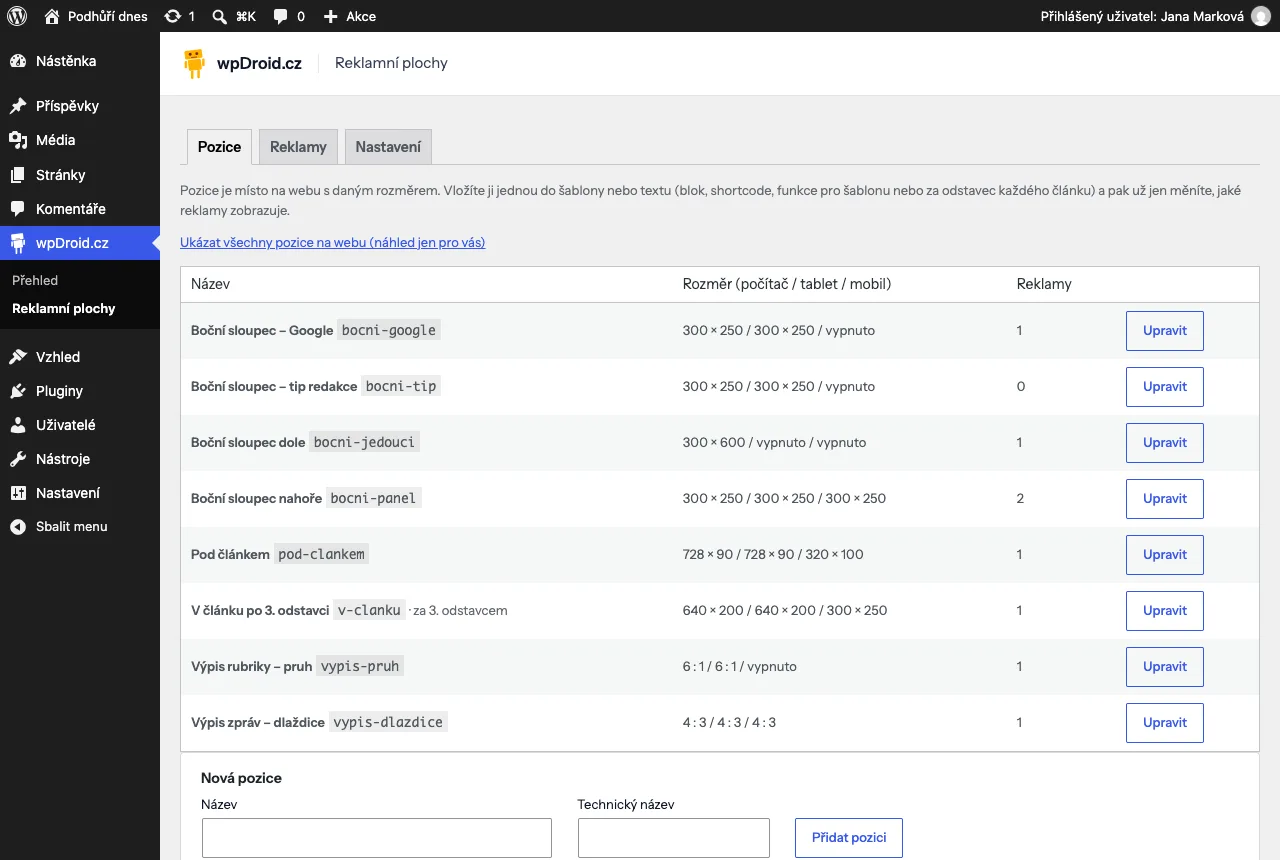
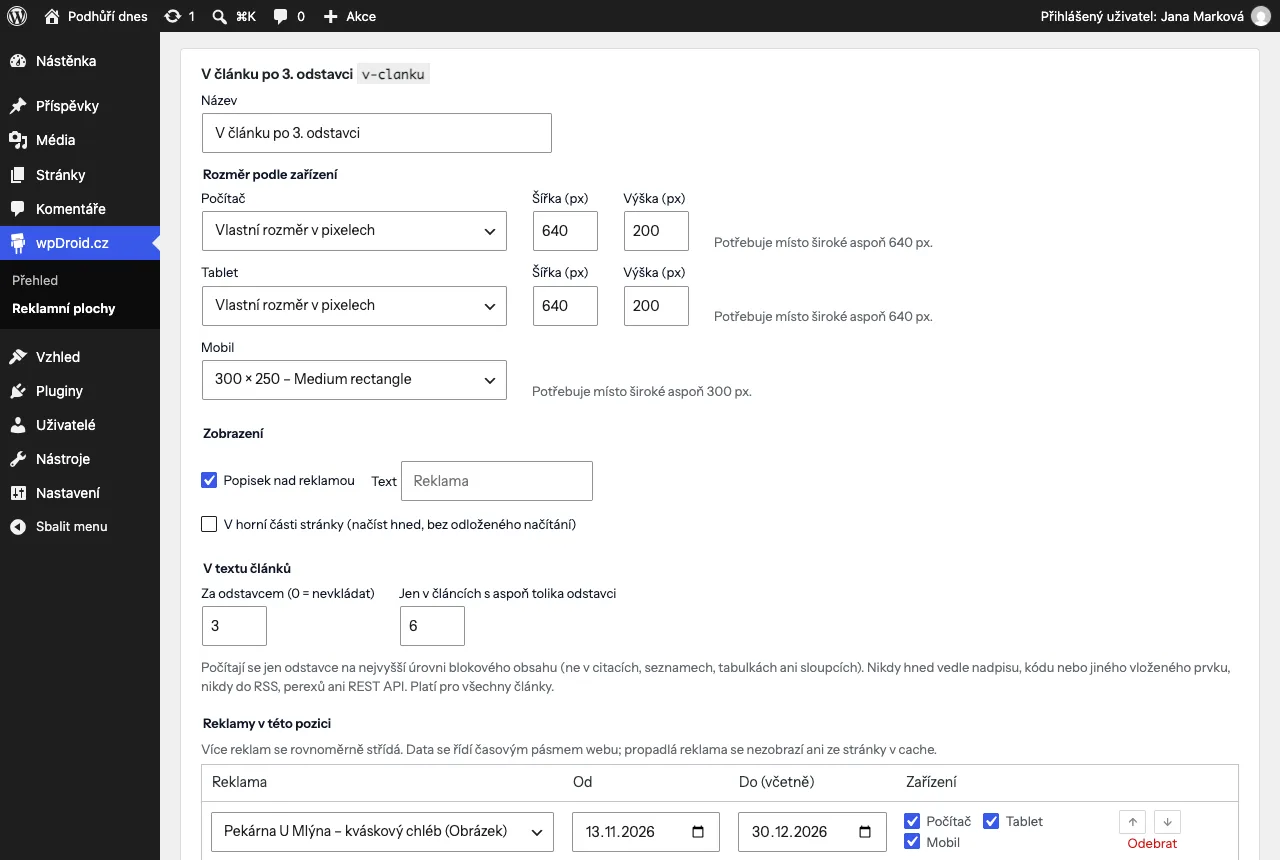
- Positions with a size for desktop, tablet and mobile: the full list of sizes supported by Google AdSense (most effective first, regional sizes on request), a custom pixel size, a full-width ratio (1.91 : 1, 1 : 1, 4 : 5, 16 : 9, custom) or a responsive Google unit. A position switched off on a device inserts nothing there. The place is reserved in advance, so the page does not jump; when nothing can be shown, the position collapses.
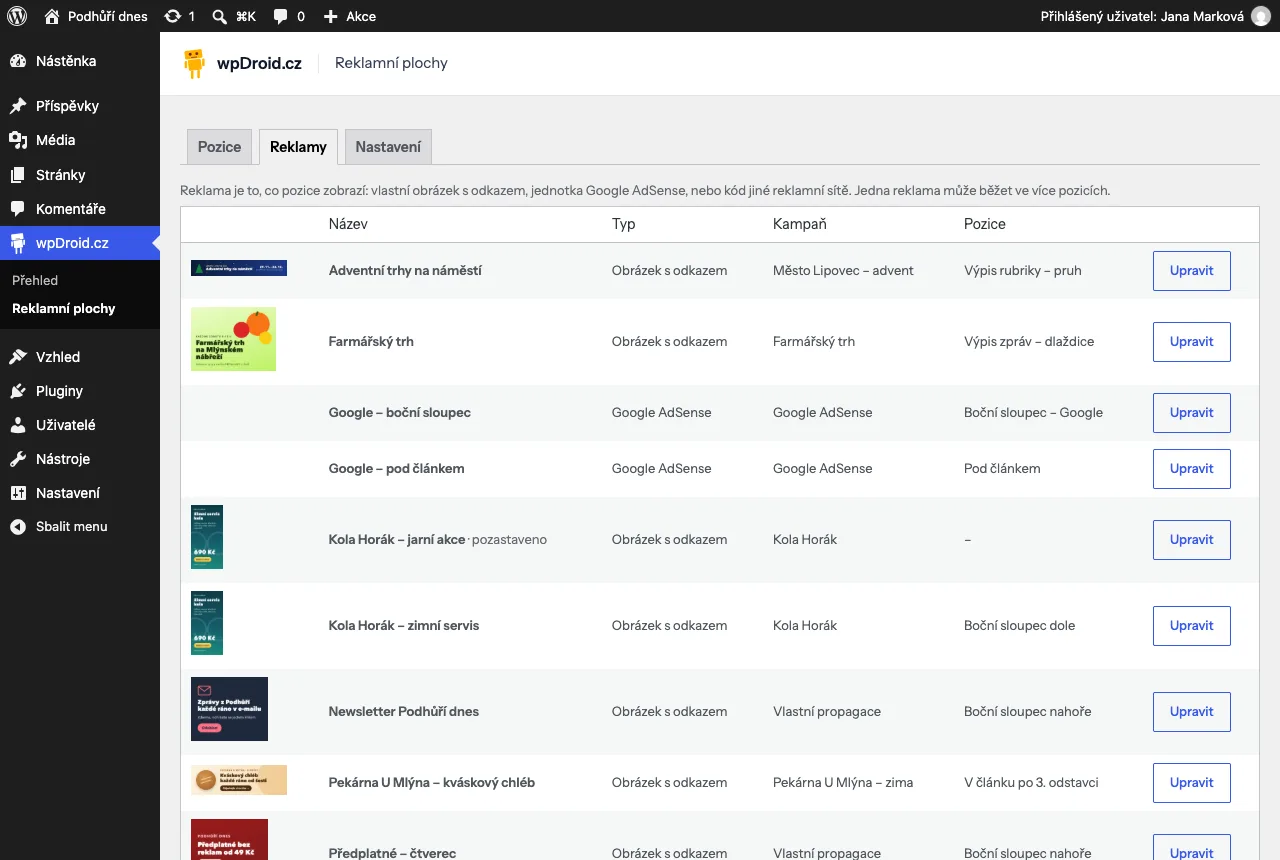
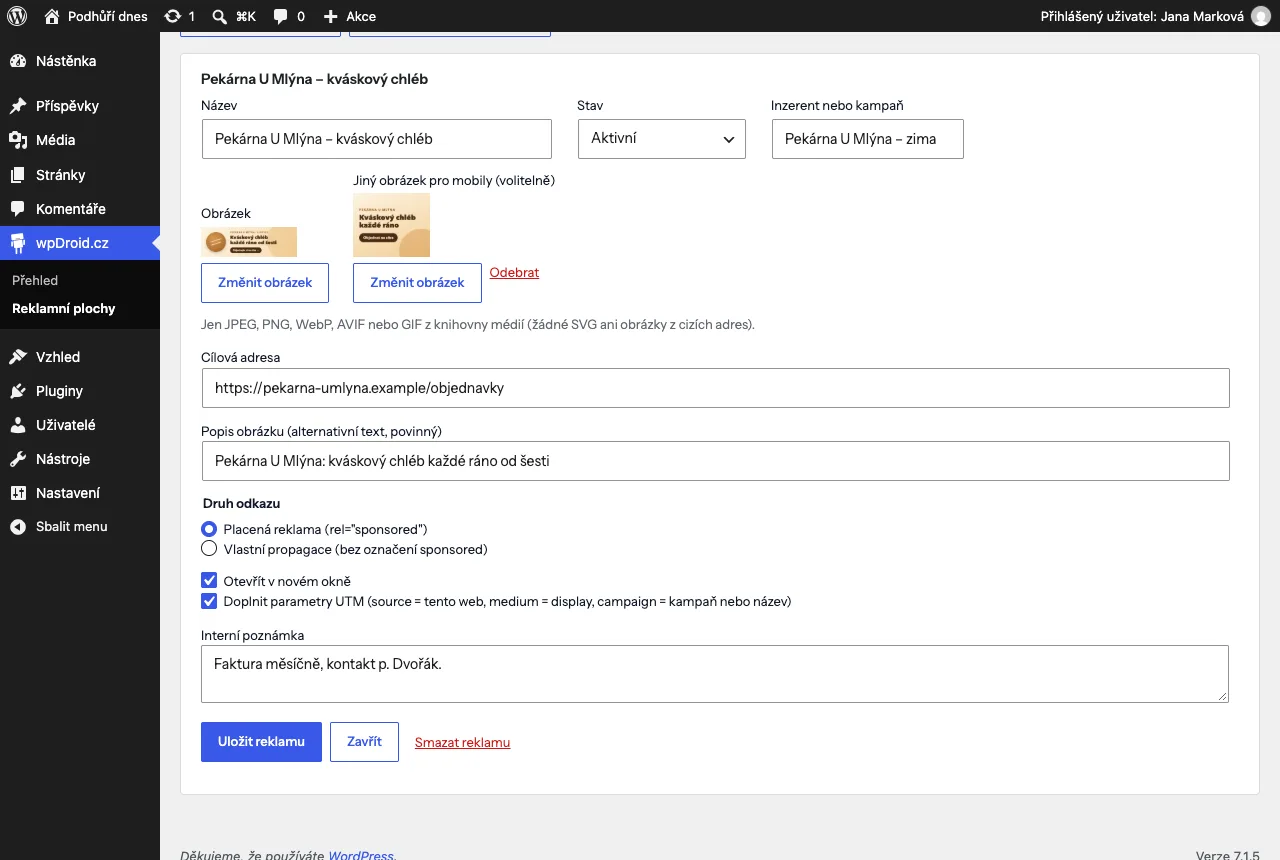
- Three kinds of ads: your own image from the media library with a link (optional mobile image, required description, "paid ad" or "own promotion" link, UTM parameters), a Google AdSense unit (publisher ID once in the settings, only the unit ID per ad – the plugin builds the code), and HTML/JavaScript of any other ad network.
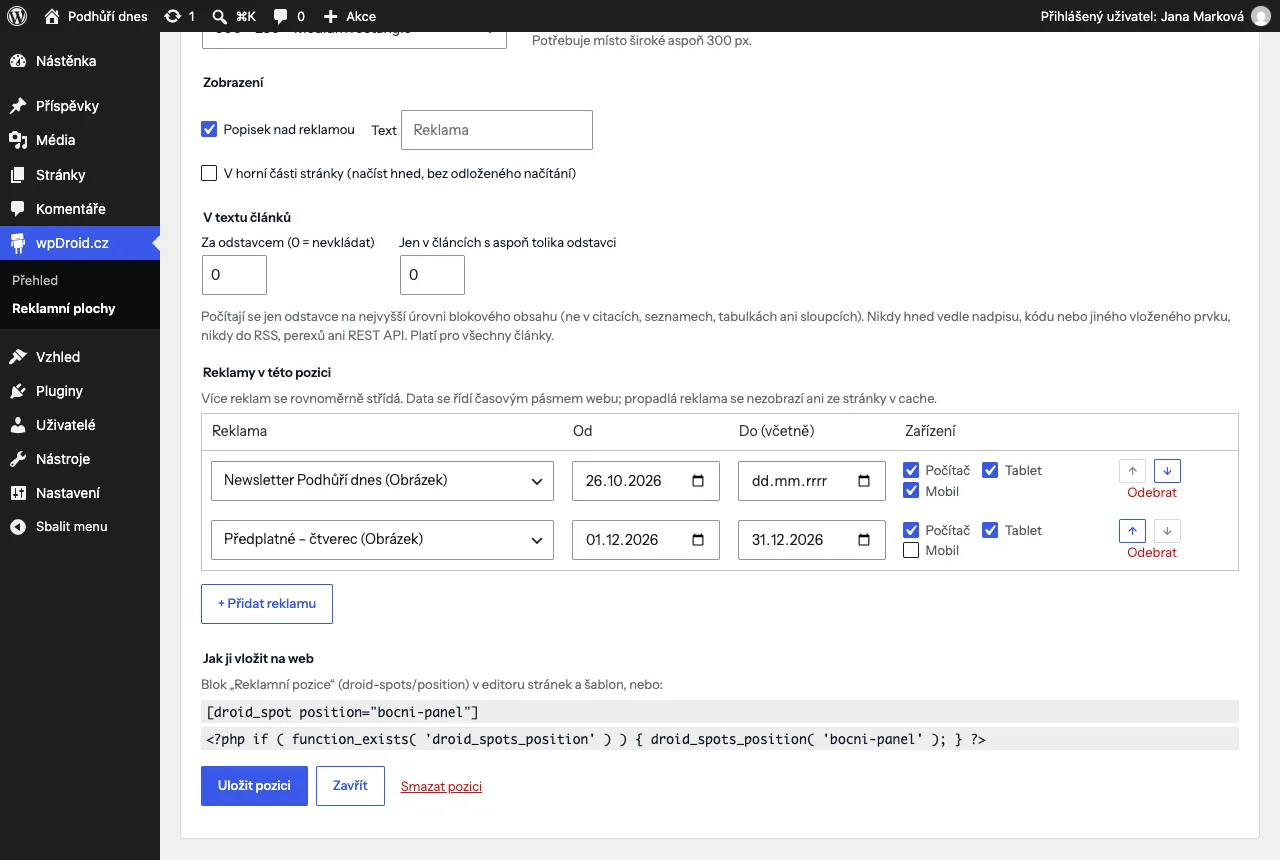
- Rotation and validity: several ads in one position take turns evenly; from–to dates in the site's time zone; per-device assignment.
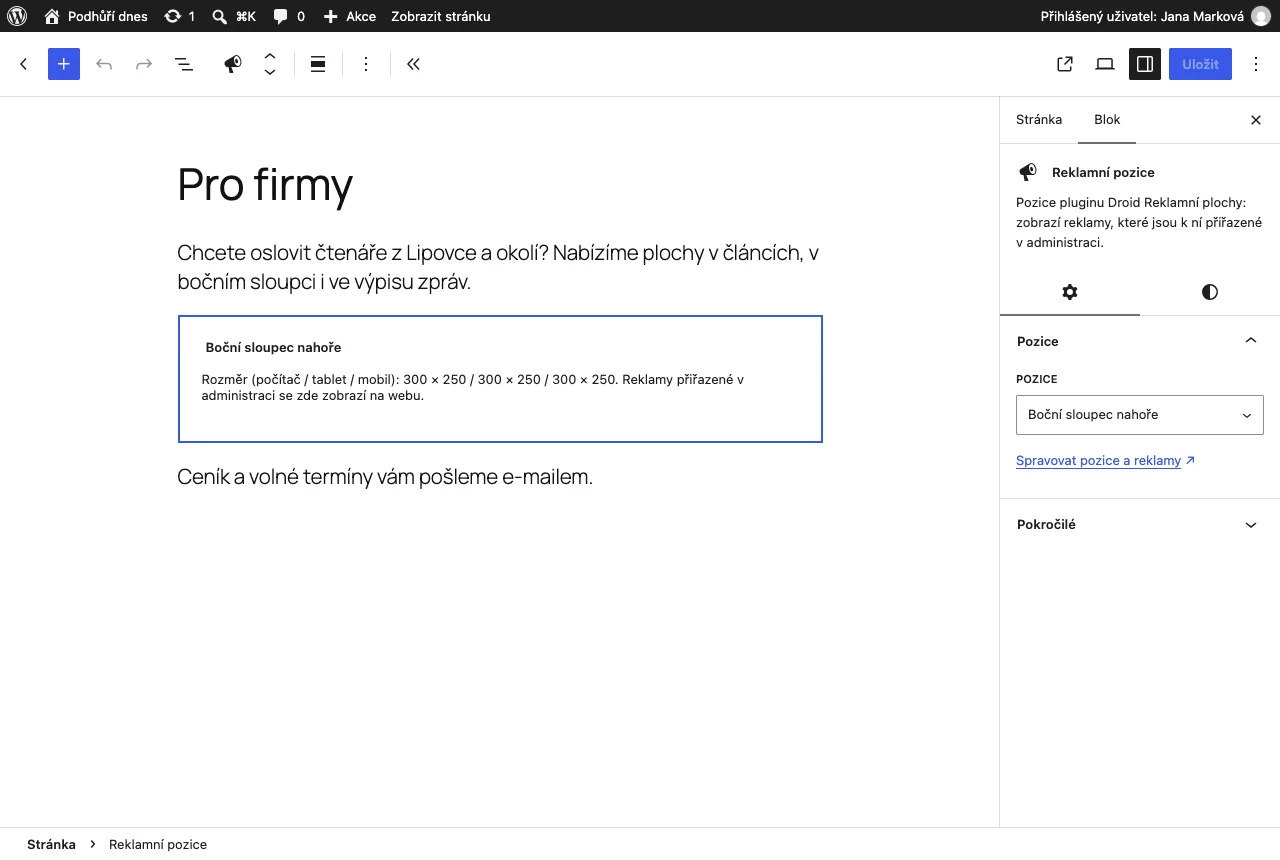
- Where: block "Ad position" in the editor of pages and templates,
[droid_spot position="…"]shortcode, classic widget,droid_spots_position( '…' )template function, positions registered by the theme, and automatic insertion after the N-th paragraph of posts (top-level paragraphs only, never next to a heading, code or another inserted element, never in short posts, feeds, excerpts or the REST API). - Cache friendly: the HTML is the same for every visitor. The page carries the candidates with their validity; a small script without libraries picks one, so an ad that expired never shows even from a cached page. Common page caches are purged at every start and end of a validity.
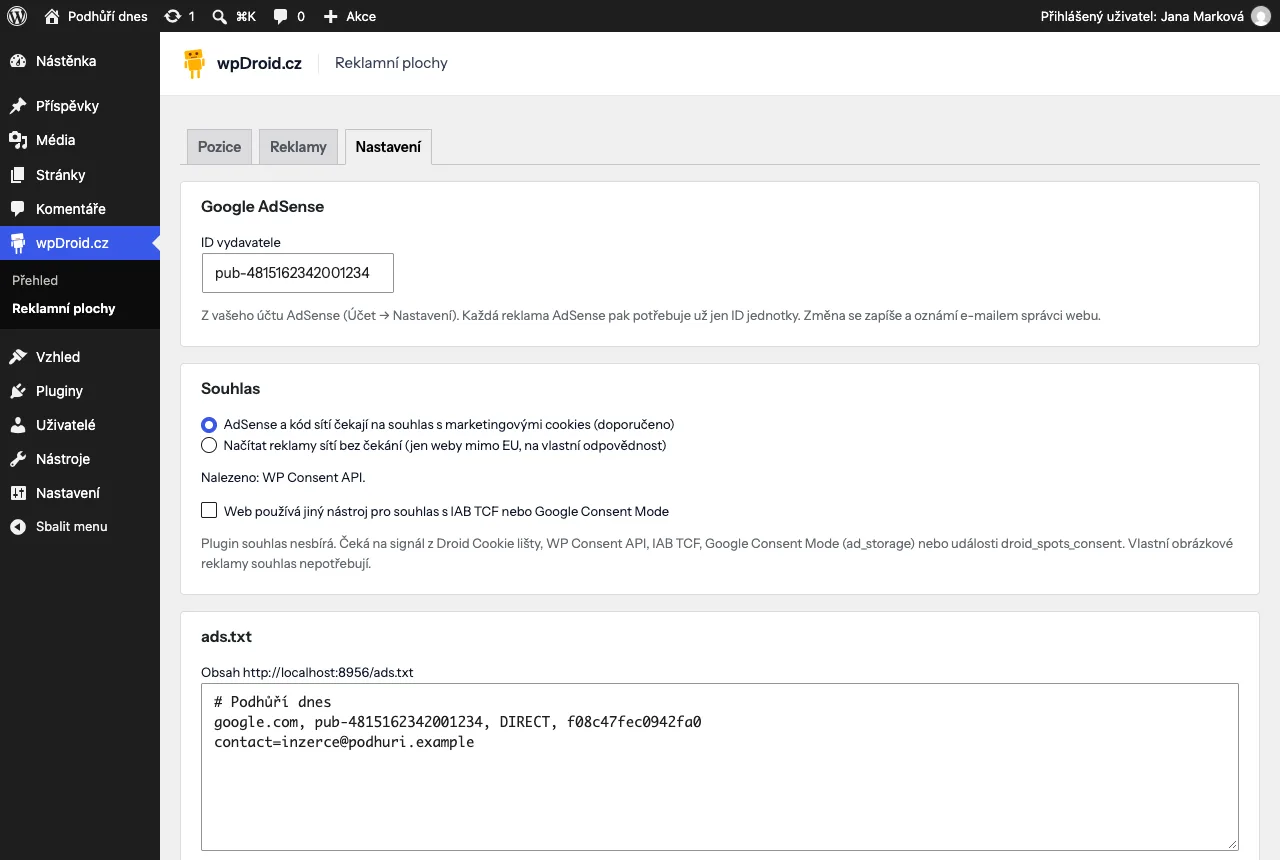
- Consent: AdSense and network code wait for consent with marketing cookies (Droid Cookie lišta, WP Consent API, IAB TCF, Google Consent Mode or your own event). Own images need no consent.
- ads.txt answered by the plugin, edited in the settings.
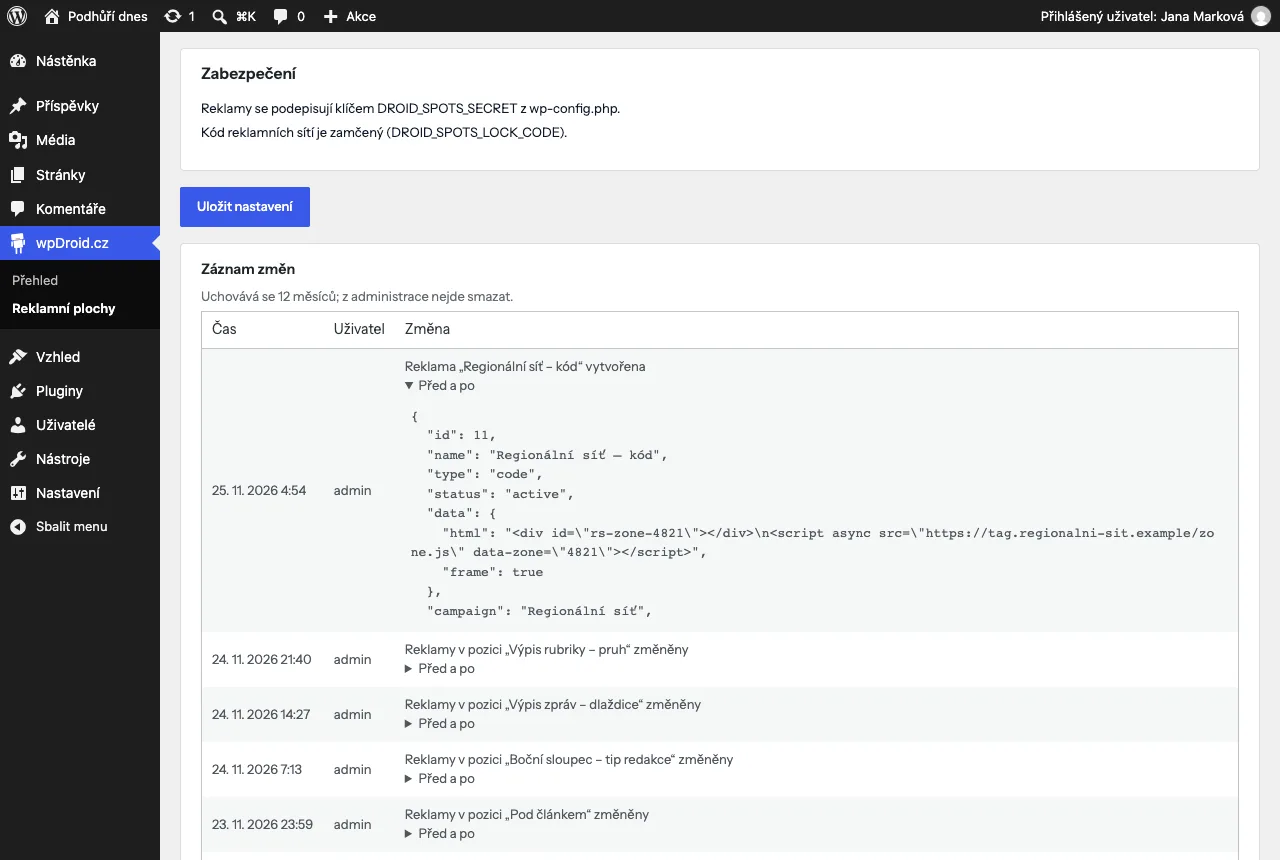
- Security first: every stored ad is signed with a key from wp-config.php and checked before it is shown; network code only by administrators who may insert unfiltered HTML, after entering their password again, can be locked completely with
DROID_SPOTS_LOCK_CODE; network code runs in an isolated frame by default; logged-in staff never receive network code; every change is logged for 12 months and sensitive ones are e-mailed to the site administrator. - Preview of all positions on the web for administrators.
Droid Spots Pro (a separate add-on) adds insertion into post lists, sticky positions, fallback ads and statistics.
External services
The plugin itself sends nothing to any outside service.
Google AdSense
When you create an AdSense ad and a visitor consented to marketing cookies (or you switched the waiting for consent off), the visitor's browser loads https://pagead2.googlesyndication.com/pagead/js/adsbygoogle.js with your publisher ID, and Google serves the ad. Google then processes data about the visit (for example the IP address and cookies). Terms, privacy policy. Logged-in staff never load it.
Other ad networks
Network code you paste runs in the visitor's browser (by default in an isolated frame) and contacts that network under its own terms, only after consent.
wpDroid.cz plugin catalog
The shared wpDroid.cz → Overview page loads the list of wpDroid.cz plugins from https://wpdroid.cz/api/wp/catalog, only when an administrator opens that page, at most once every 12 hours. No site or visitor data is sent; like every WordPress HTTP request it carries the WordPress version and the site address in the User-Agent header. The catalog is provided by wpDroid.cz.
Plugin updates (copy downloaded from wpdroid.cz only)
WordPress asks https://wpdroid.cz/api/v1/update/droid-spots for new versions of this plugin about twice a day and when an administrator checks for updates or installs one. The request carries the installed plugin version, the PHP version and the site language, no site or visitor data; like every WordPress HTTP request it also carries the WordPress version and the site address in the User-Agent header. A copy from wordpress.org does not contact wpdroid.cz for updates. The service is provided by wpDroid.cz.
Screenshots
What you get
- Droid Spots plugin, free download
- Download for your e-mail – no payment and no billing details
- Updates right in the WordPress admin
Installation
- Download the plugin from wpdroid.cz, then in Plugins → Add New Plugin → Upload Plugin upload the zip and activate it.
- In wpDroid.cz → Reklamní plochy create a position (or use the ones your theme registers), create an ad in the Ads tab and assign it to the position.
- Put the position on the web with the block "Ad position", the shortcode, the template function, or set "after paragraph" for posts.
- For AdSense enter the publisher ID in the settings and make sure a consent tool runs on the site. When network code is finished, add
define( 'DROID_SPOTS_LOCK_CODE', true );to wp-config.php.
Common questions
- Why can’t I see AdSense ads on the site when I’m logged in?
Logged-in administrators and editors see a frame with the ad’s name instead of AdSense and network code. This way, third-party scripts never run in an administrator session and you do not click your own ads. Log out or use a private window.
- AdSense units are not shown to visitors either.
Network ads wait for consent to marketing cookies. Without a consent tool, they never load – the admin area warns you about this.
- Is an empty space left when an ad is not shown?
No. A slot with no valid ad collapses – whether the ad has expired, consent is missing or Google served nothing to the unit. In the Pro add-on, you can show a fallback image instead.
- Does it work with caching?
Yes. The HTML is the same for all visitors and the browser picks the ad according to its validity period. When a validity period starts or ends, common cache plugins are purged.
- Will ad blockers hide the ads?
The plugin avoids the words ad blockers look for in file names, classes and URLs, so your own images have a chance of staying visible. This cannot be guaranteed – blockers also hide elements by size or using site-specific lists.
- An ad stopped working after the keys in wp-config.php were changed.
Ads are signed with these keys. Open the ad and save it again, or define
DROID_SPOTS_SECRETso that the signature does not depend on the WordPress keys.- Who may insert ad network code?
Only an administrator who is allowed to insert unfiltered HTML, and only after re-entering their password. In the settings, you can also allow editors to manage images, AdSense and assignments. The
DROID_SPOTS_LOCK_CODEconstant locks code completely.- What data does the plugin send?
None by itself. AdSense and network code are loaded by the visitor’s browser after consent. A copy from wpdroid.cz checks for updates (plugin version, PHP version and site language).