

Droid Daily Menu
Weekly lunch menu for restaurants: today's menu shown automatically (also behind a page cache), allergens, prices in Kč or €, menu card, print.
Write the lunch menu once a week and your website shows the right day by itself.
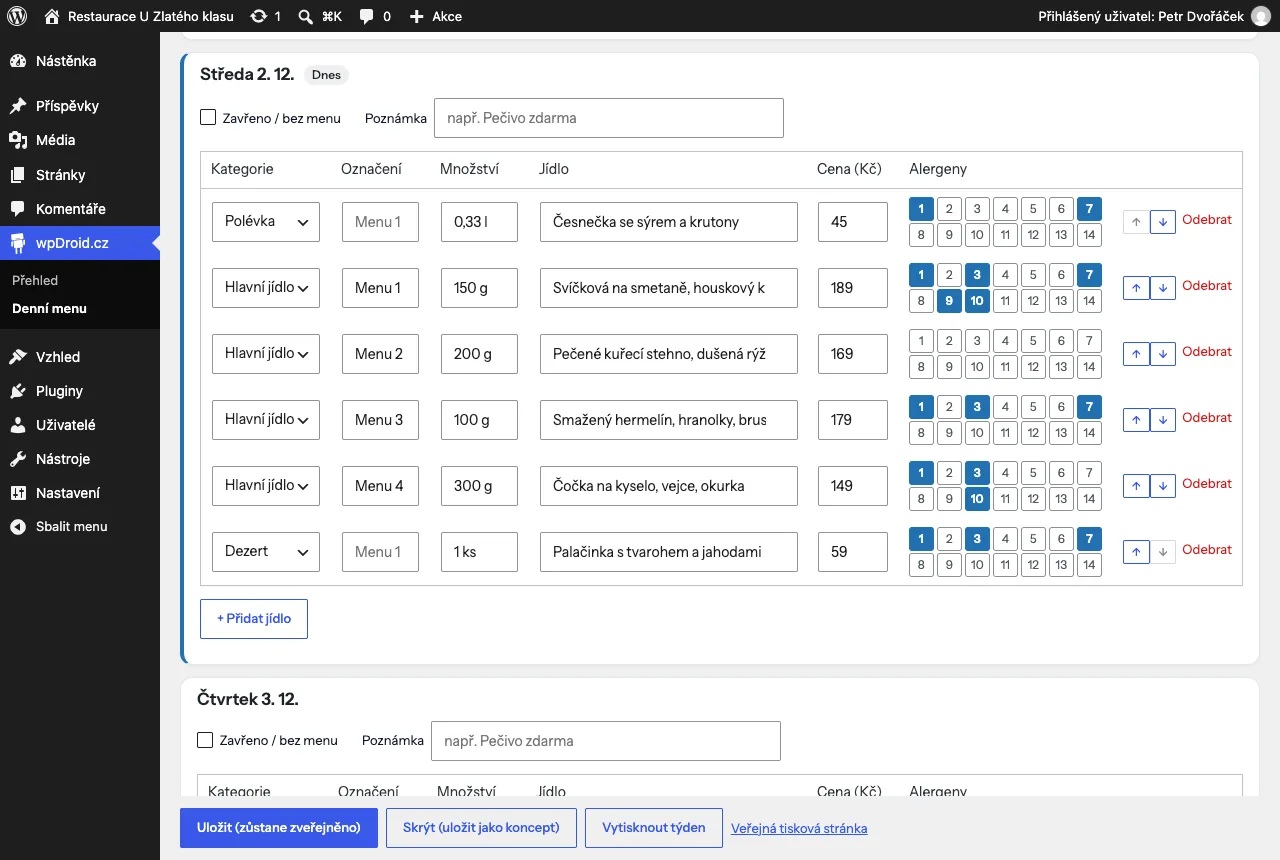
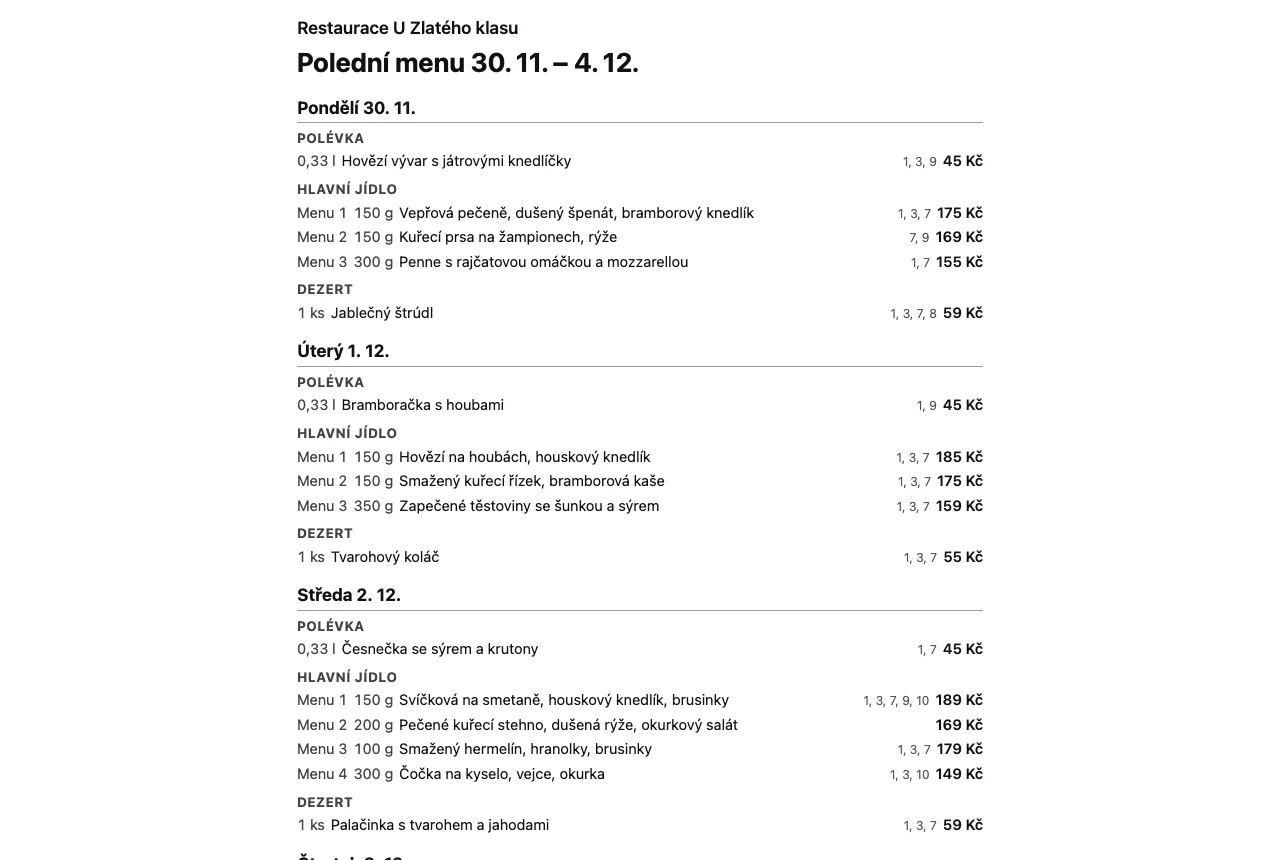
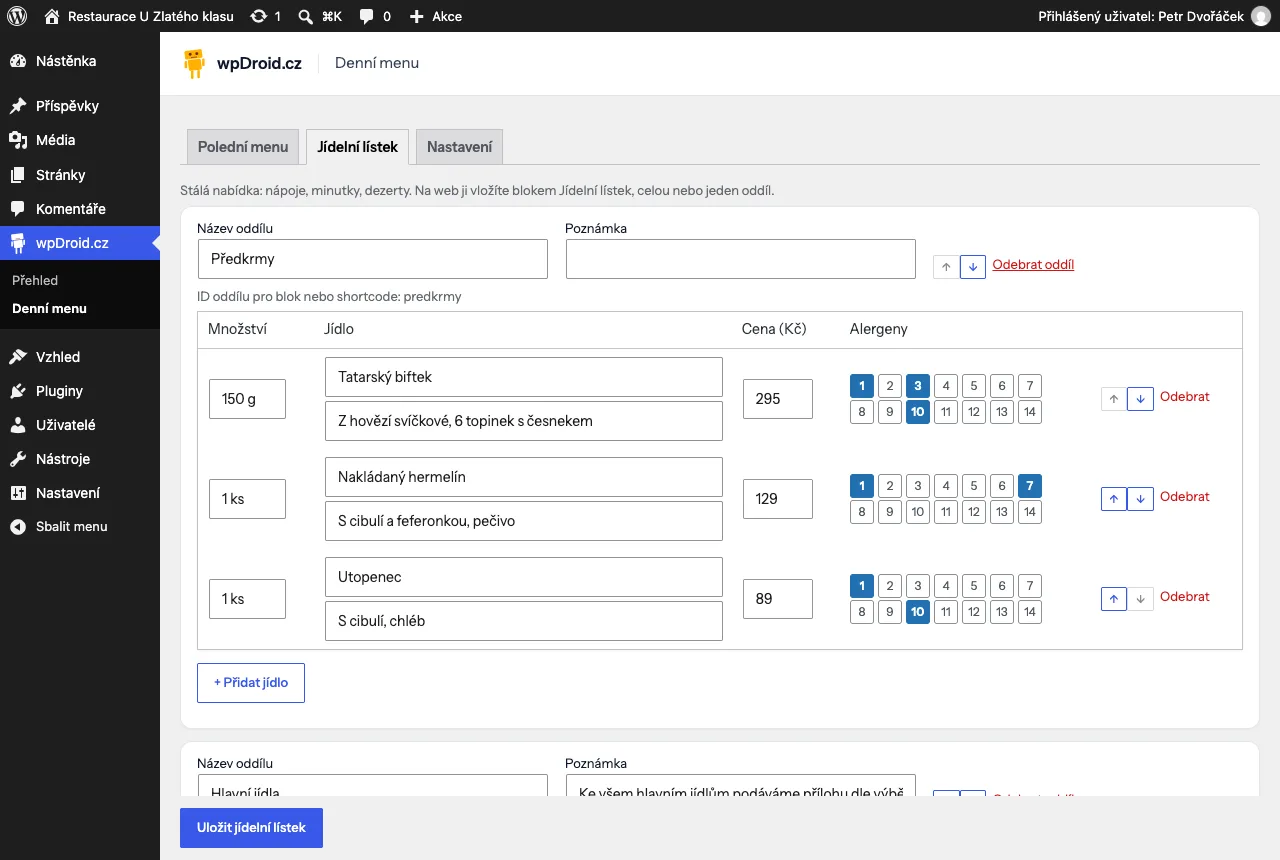
- Week editor: days of the week, dishes grouped in categories (soup, main course, dessert – your own), label ("Menu 1"), amount, price and allergen numbers. Copy the previous week, suggestions of dishes you used before, draft and publish.
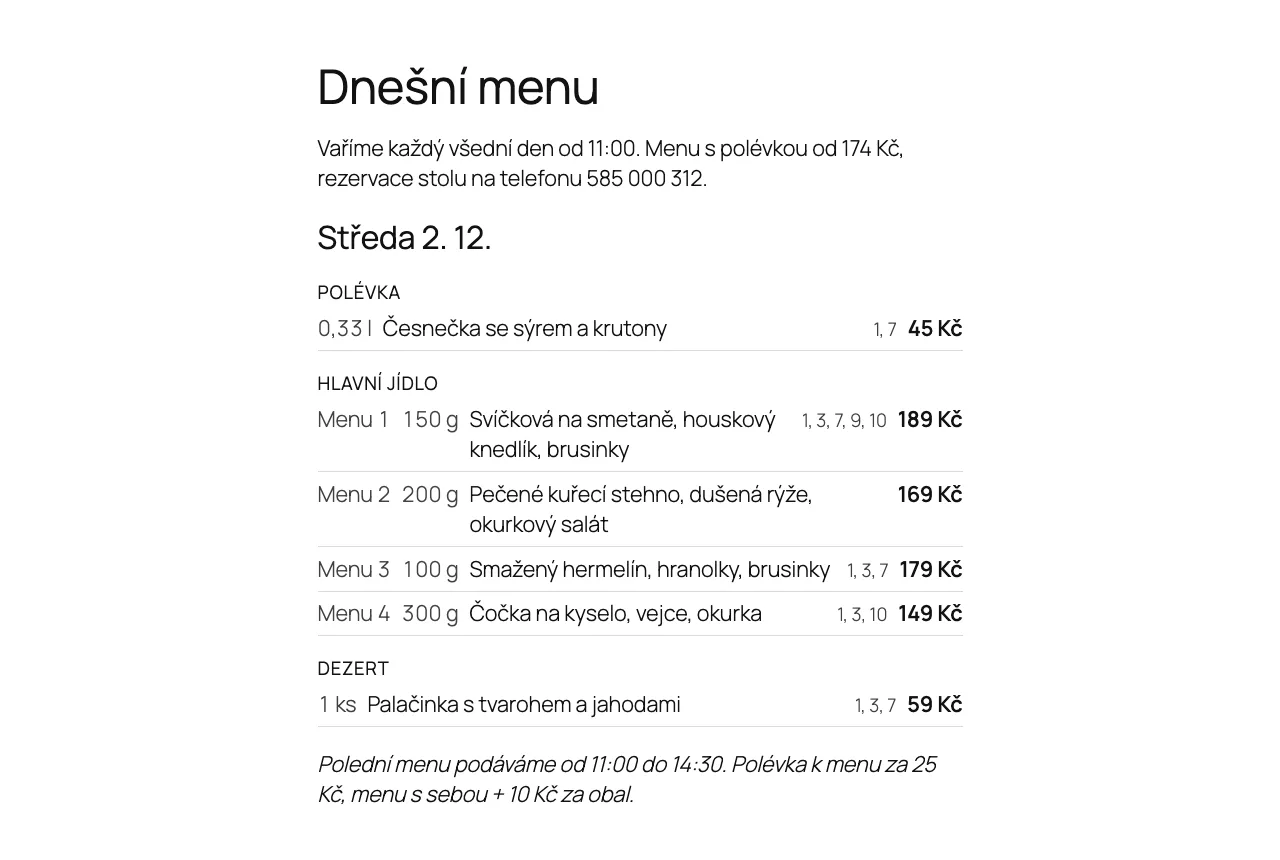
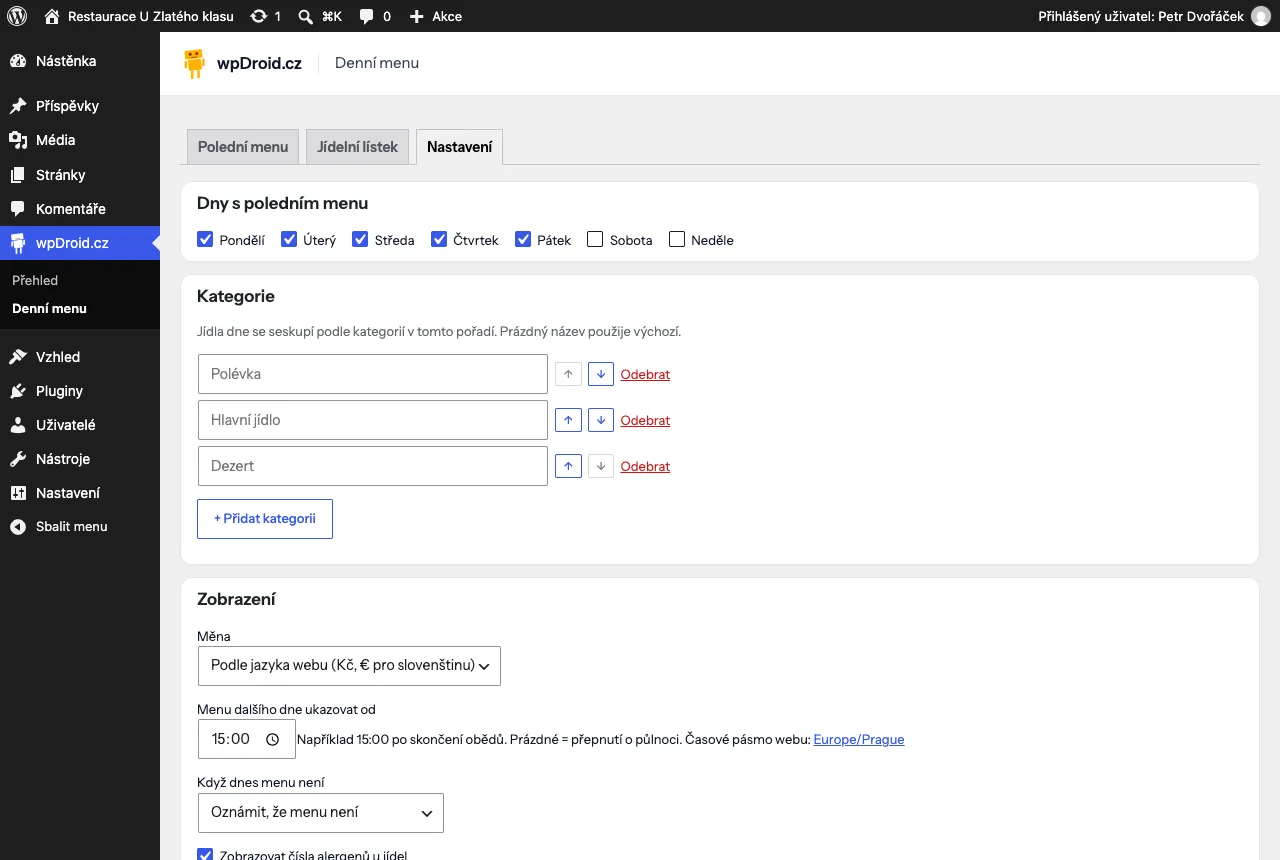
- Block "Today's menu": today's lunch menu, picked in the visitor's browser in the time zone of your website, so it stays correct behind a page cache. Optionally switch to the next day after lunch ends (e.g. 15:00) or show the next day with a menu.
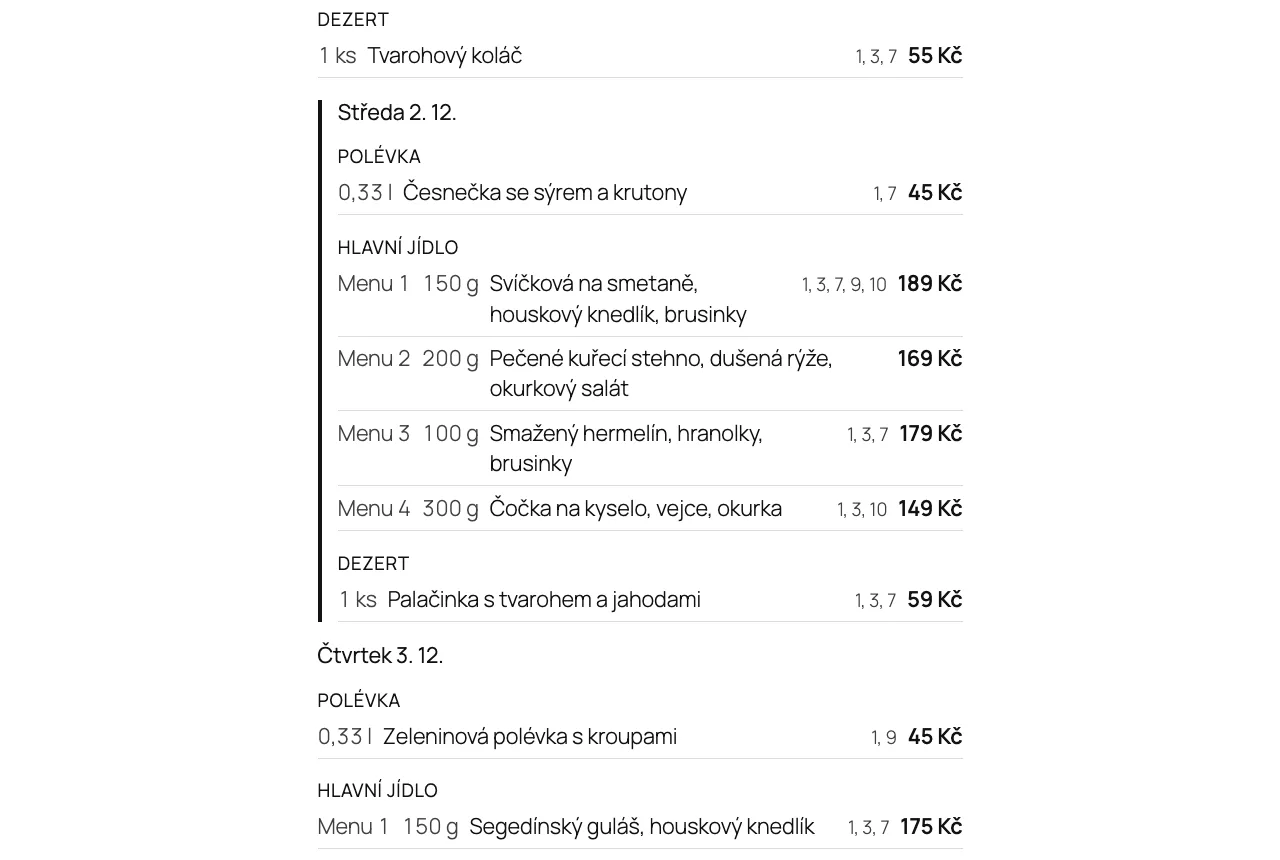
- Block "Weekly menu": the whole week with today highlighted and a link to a printable A4 page for the door.
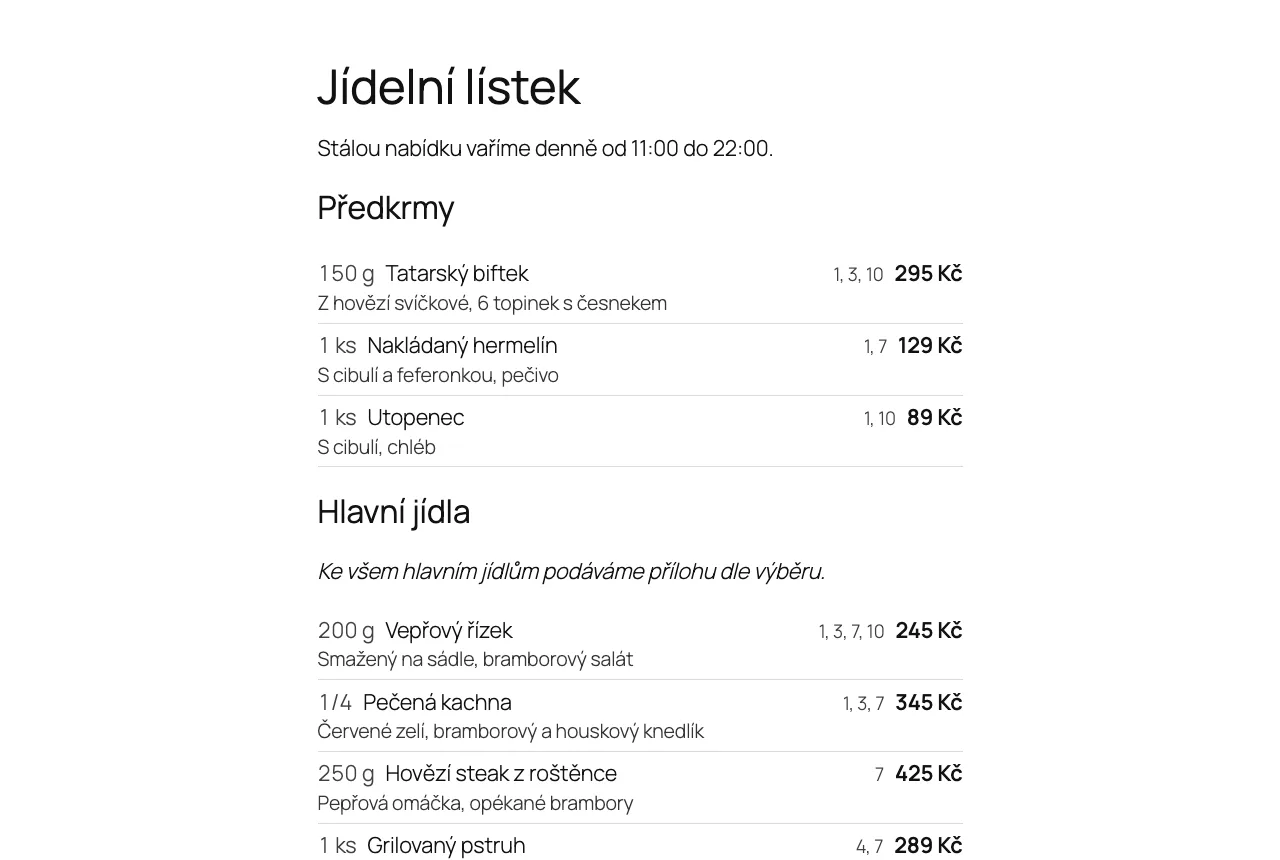
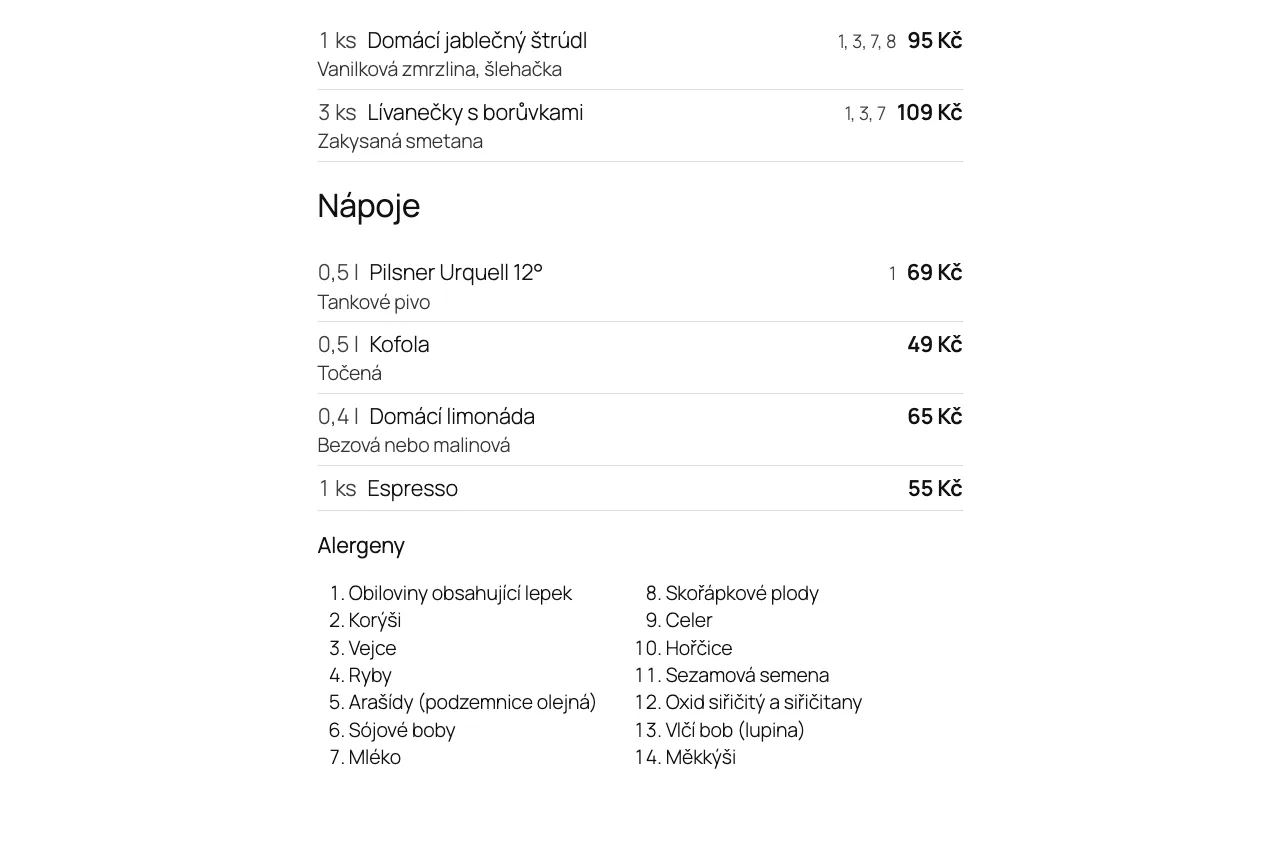
- Block "Menu card": the permanent menu (drinks, à la carte dishes), whole or one section.
- Block "Allergen list": the 14 allergens of Regulation (EU) No 1169/2011 with their numbers.
- Prices in Czech crowns or euro (by the site language or set by hand), dates in the language of your website.
- Editors can write the menus; only administrators change the settings.
Every block also works as a shortcode: [droid_daily_menu], [droid_daily_menu_week week="next"], [droid_menu_card section="drinks"], [droid_allergens].
Czech and Slovak translations are included.
External services
The plugin itself contacts no external service; "today" is picked in the visitor's browser (fresh menus come from your own site's REST API).
wpDroid.cz plugin catalog
The shared wpDroid.cz → Overview page loads the list of wpDroid.cz plugins from https://wpdroid.cz/api/wp/catalog, only when an administrator opens that page, at most once every 12 hours. No site or visitor data is sent; like every WordPress HTTP request it carries the WordPress version and the site address in the User-Agent header. The catalog is provided by wpDroid.cz.
Plugin updates (copy downloaded from wpdroid.cz only)
WordPress asks https://wpdroid.cz/api/v1/update/droid-daily-menu for new versions of this plugin about twice a day and when an administrator checks for updates or installs one. The request carries the installed plugin version, the PHP version and the site language, no site or visitor data; like every WordPress HTTP request it also carries the WordPress version and the site address in the User-Agent header. A copy from wordpress.org does not contact wpdroid.cz for updates. The service is provided by wpDroid.cz.
Screenshots
What you get
- Droid Daily Menu plugin, free download
- Download for your e-mail – no payment and no billing details
- Updates right in the WordPress admin
Installation
- Install and activate the plugin.
- Open wpDroid.cz → Daily menu, write this week's menu and publish it.
- Insert the "Today's menu" or "Weekly menu" block into a page.
Common questions
- How much does the plugin cost?
Nothing, the plugin is free.
- Do I have to switch the menu every day?
No. You write the menu for the whole week and the site shows today's menu every day. From a time you choose (say 15:00) it can show the next day's menu.
- Does “today's menu” work with a cache plugin?
Yes. The page carries the menus of this week and next week and the visitor's browser picks the right day. A page that stays in the cache too long asks your site for the current menu (a small public request, published menus only).
- How does the plugin know which day it is?
From the site's time zone in Settings → General, not from the visitor's clock.
- What shows when we don't cook today?
Depending on the settings either “No lunch menu today.” or the next day with a menu. In the editor you can mark a day as closed and add a note.
- Do I have to write the menu again every week?
Not all of it. Copy last week with one button and change only what is different. While you type, the plugin suggests dishes you have cooked before.
- How are the allergens numbered?
1–14 according to Annex II of Regulation (EU) No 1169/2011, as is usual in Czechia and Slovakia. Insert the list with names with the Allergen list block or the
[droid_allergens]shortcode.- Can the menu be printed?
Yes. The Weekly menu block links to an A4 print page of the week. Editors can also print a draft in the admin.
- Does the plugin handle euros?
Yes. The currency follows the site language (Slovak = €), or you set it by hand.
- Who can edit the menu?
Editors and administrators. Only administrators change the settings.
- Does the plugin work with Divi?
You can place the shortcodes in a page builder, Divi included. Dedicated Divi Builder modules are in the paid plugin Droid for Divi.
- What data does the plugin send?
The plugin connects to no third-party service and stores no personal data. The visitor's browser picks today's menu and fetches a fresh one from your site's REST API. The wpDroid.cz → Overview page loads the list of plugins from wpdroid.cz only when an administrator opens it (at most once every 12 hours), without any data about the site. The copy downloaded from wpdroid.cz checks for updates and sends only the plugin version, PHP version and site language.