

Droid Calculators
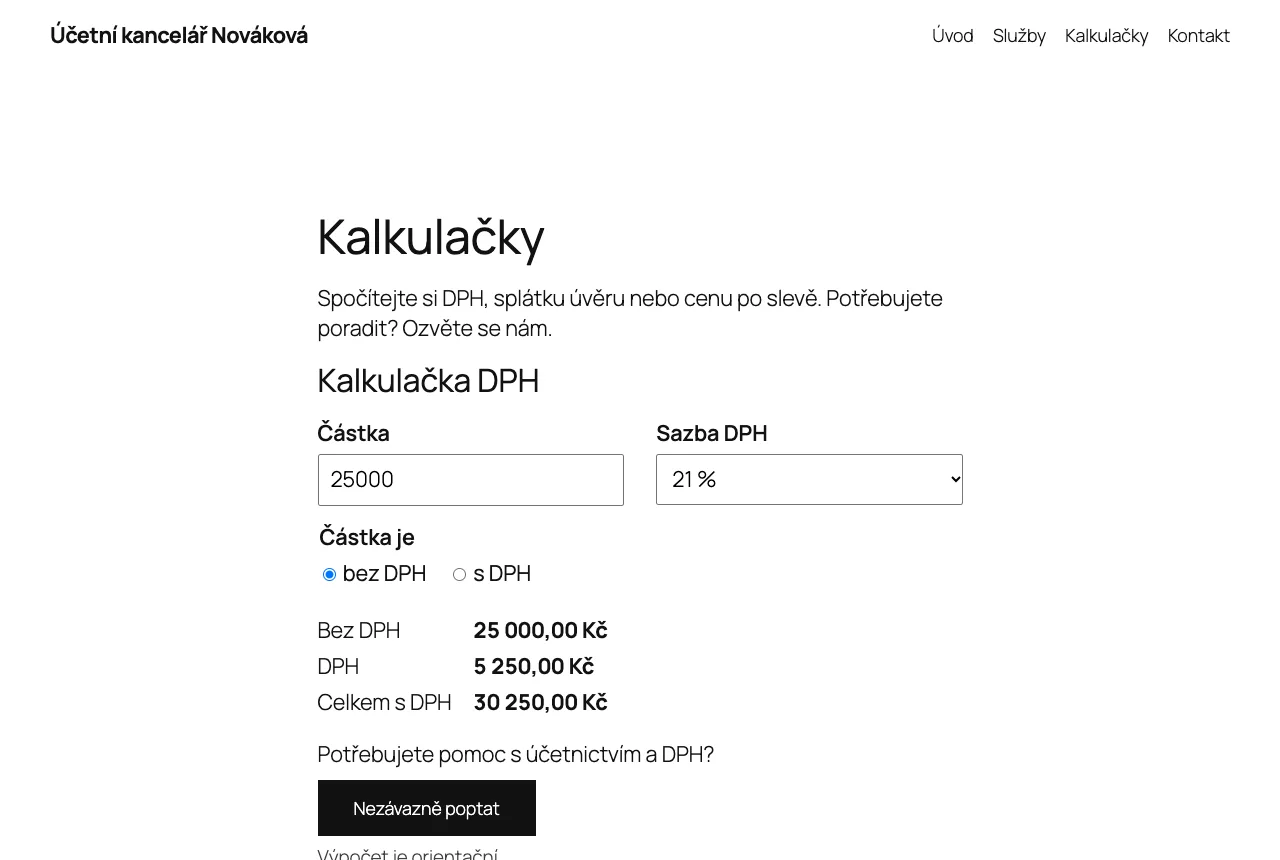
VAT, loan and discount calculators as blocks, with a call to action under the result. For accountants, advisers and shops.
Three blocks (and shortcodes) that bring visitors to your site and lead them to contact you:
- VAT calculator: amount, rate and direction (without VAT → with VAT and back); shows the base, the VAT and the total. 1 000 Kč without VAT at 21 % gives 210 Kč VAT and 1 210 Kč total.
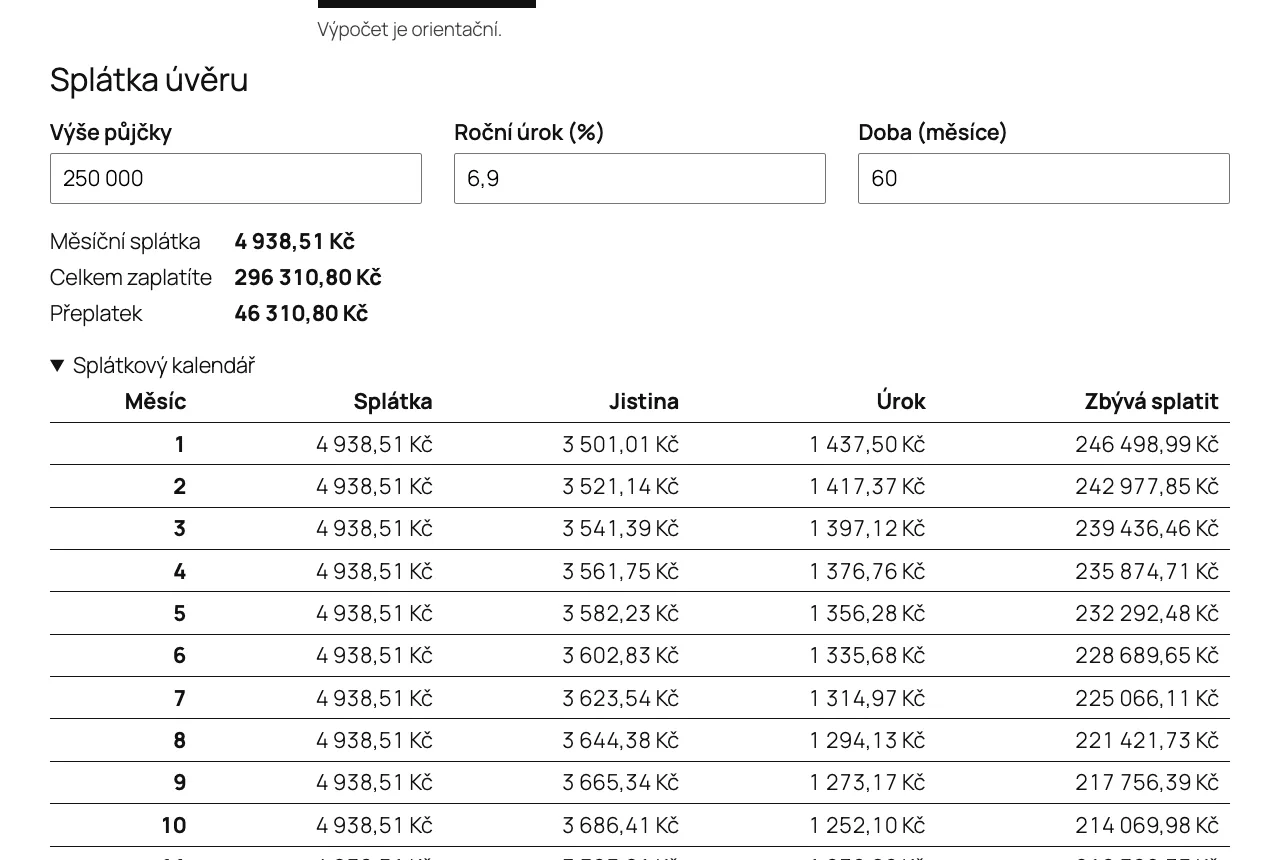
- Loan calculator: loan amount, yearly interest rate and period in months; shows the monthly payment (annuity), the total paid and the overpayment; optional payment schedule.
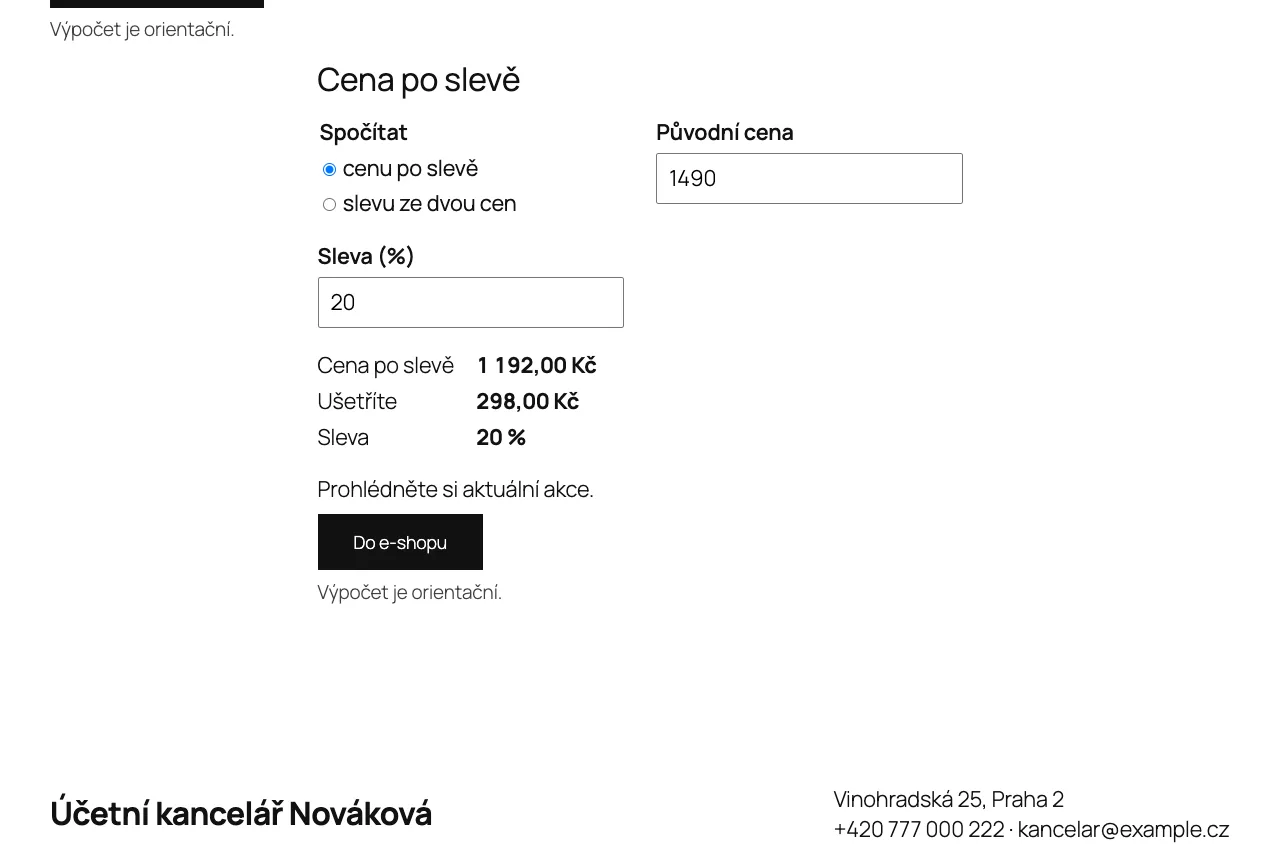
- Discount calculator: the price after a discount in percent, or the discount from the original and the new price.
- Call to action under the result: your text and a button with a link, set in each block.
- Note "The calculation is only indicative." – change it in the settings or per block, or hide it.
Calculated in the browser, without any request to the server. Fields accept a decimal comma and a decimal dot; numbers and the currency follow the language of the site (or the WooCommerce currency). The result is announced to screen readers and every field has a label.
VAT rates are in the settings: Czech 21 / 12 / 0 % and Slovak 23 / 19 / 5 / 0 % are preset, the site language (or the shop country) chooses the set. Czech and Slovak translations are included.
Shortcodes: [droid_vat_calculator], [droid_loan_calculator], [droid_discount_calculator] with the parameters cta_text, cta_label, cta_url, note, show_note; rate, direction (VAT); amount, rate, months, schedule (loan); mode, original, percent (discount).
External services
The plugin itself contacts no external service; the calculators work in the visitor's browser.
wpDroid.cz plugin catalog
The shared wpDroid.cz → Overview page loads the list of wpDroid.cz plugins from https://wpdroid.cz/api/wp/catalog, only when an administrator opens that page, at most once every 12 hours. No site or visitor data is sent; like every WordPress HTTP request it carries the WordPress version and the site address in the User-Agent header. The catalog is provided by wpDroid.cz.
Plugin updates (copy downloaded from wpdroid.cz only)
WordPress asks https://wpdroid.cz/api/v1/update/droid-calculators for new versions of this plugin about twice a day and when an administrator checks for updates or installs one. The request carries the installed plugin version, the PHP version and the site language, no site or visitor data; like every WordPress HTTP request it also carries the WordPress version and the site address in the User-Agent header. A copy from wordpress.org does not contact wpdroid.cz for updates. The service is provided by wpDroid.cz.
Screenshots
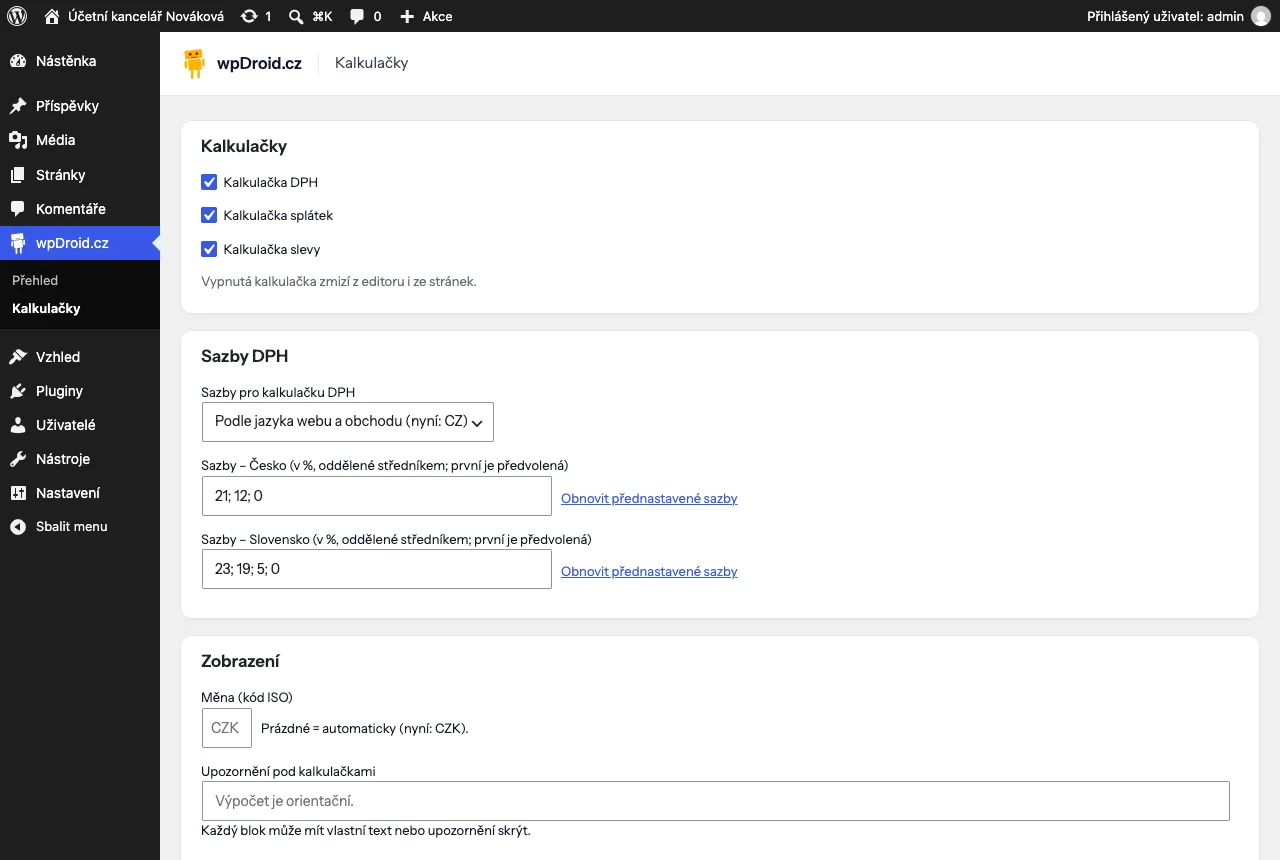
What you get
- Droid Calculators plugin, free download
- Download for your e-mail – no payment and no billing details
- Updates right in the WordPress admin
Installation
- Download the plugin from wpdroid.cz, then in Plugins → Add New Plugin → Upload Plugin upload the zip and activate it.
- Check the VAT rates in wpDroid.cz → Kalkulačky.
- In the block editor insert "VAT calculator", "Loan calculator" or "Discount calculator" and fill in the call to action in the block settings.
Common questions
- How much does the plugin cost?
Nothing. Droid Calculators are free and have no paid version.
- Can the plugin calculate salary or income tax?
No. The rules for salaries and income tax change every year, so the plugin only offers calculations that stay valid long term: VAT, loan repayments and discounts.
- How is the loan repayment calculated?
Using the annuity formula with monthly compounding; at zero interest, the loan is simply divided by the number of months. Repayments are rounded to the haléř, and the last repayment in the schedule settles the difference.
- What if VAT rates change?
You change them in wpDroid.cz → Calculators. The rates are not hard-coded, so you don't have to wait for a plugin update. The “Restore default rates” button takes you back to the defaults.
- Does the plugin work for Slovakia too?
Yes. The Slovak rates of 23 / 19 / 5 / 0 % are preset and are used based on the site language or the WooCommerce store country, or you can select them manually. The currency is then the euro; a Slovak translation is included with the plugin.
- Do I need WooCommerce?
No. If you have it, the calculator takes over its currency and store country; otherwise it follows the site language, or you set the currency in the settings.
- Can I insert a calculator into a page builder or the classic editor?
Yes, using the shortcodes
[droid_vat_calculator],[droid_loan_calculator]and[droid_discount_calculator]. Parameters for the call to action and prefilled values are described in the plugin documentation.- Why doesn't the calculator calculate in the editor?
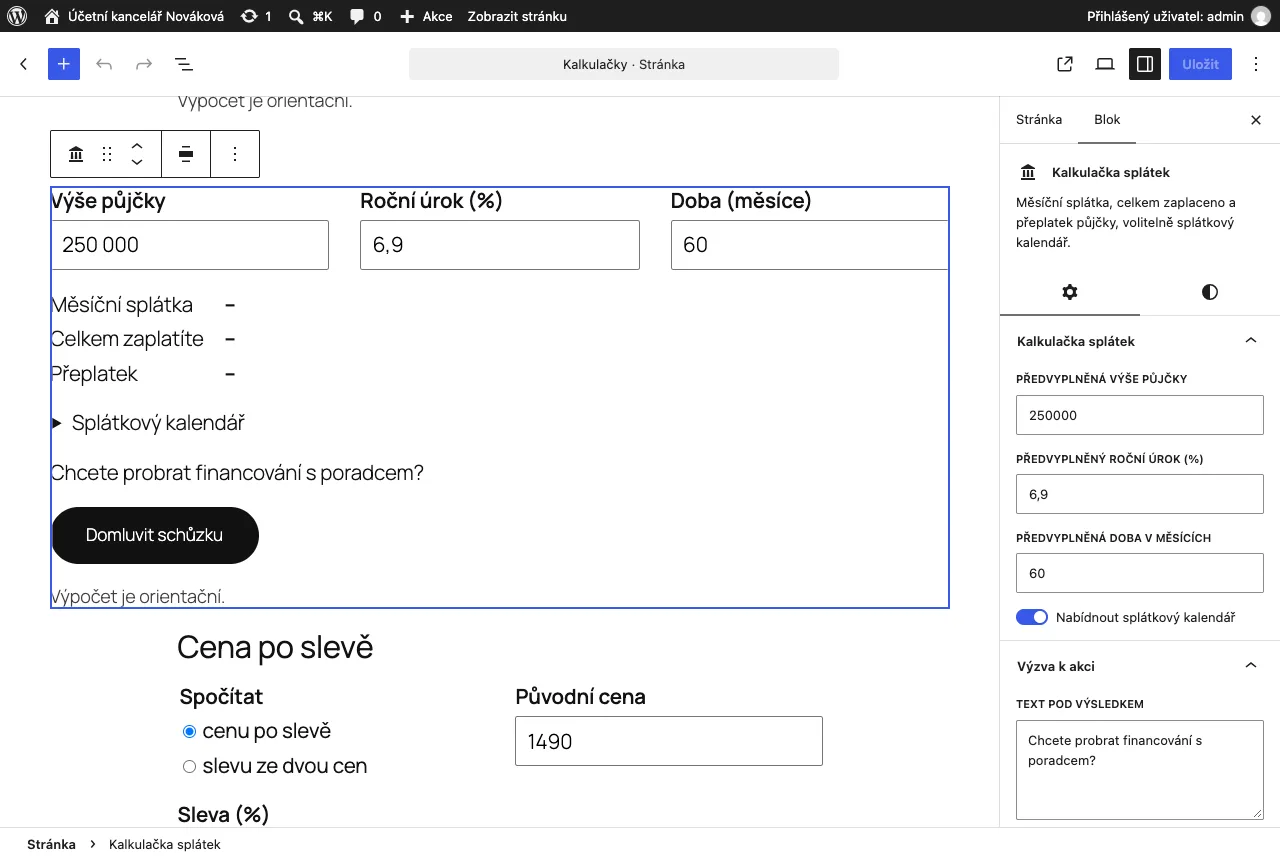
The editor only shows a preview of the block with your prefilled values. Calculations only run on the published page.
- What data does the plugin send?
The calculators send none – everything is calculated in the visitor's browser and nothing is stored. The wpDroid.cz → Overview page loads the list of plugins from wpdroid.cz only when an administrator opens it (at most once every 12 hours), without any information about the site. A copy downloaded from wpdroid.cz checks for updates and sends only the plugin version, the PHP version and the site language.